
Design Systems
Material 3
Implement Google’s Material Design 3 across Compose, Flutter, and web.
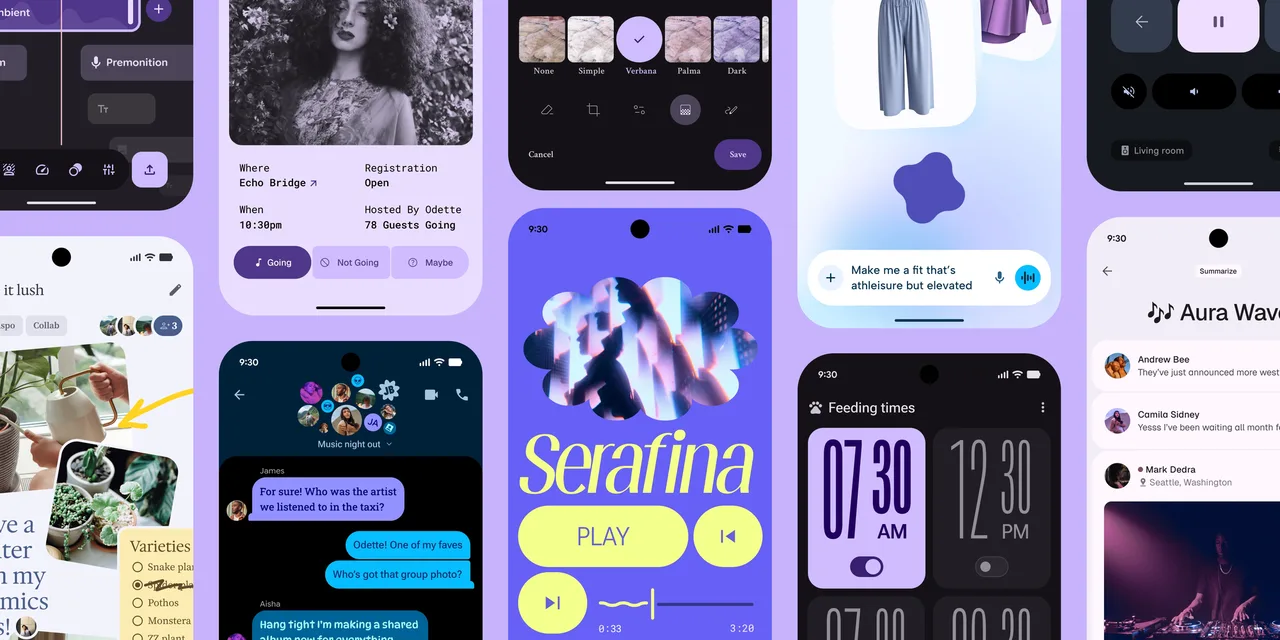
What it is
A guide to Material Design 3 covering the md.sys token namespace, 30+ components, adaptive layout, theming, and M3 Expressive. Jetpack Compose is the primary target; Flutter and @material/web are secondary.
>
Why it matters for design
- Color, type, shape, and elevation tokens replace hardcoded hex and radius values.
- Tonal surfaces carry depth instead of shadows, matching current MD3 spec.
- A scored audit rates ten categories and lists fixes in priority order.
What it covers
- Design token system
- Component quick reference
- Common patterns
- Anti-patterns
- M3 Expressive
- MD3 compliance audit
How to install
Material 3
-
Clone the repo.
git clone https://github.com/hamen/material-3-skill -
Point Codex at the skill file.
skills/material-3/SKILL.md -
Then describe the UI you want. Codex follows the skill.
How to run it with Codex
-
Name the platform so Codex picks Compose, Flutter, or CSS custom properties.
-
Ask for a component and get the correct variant plus token wiring.
-
Run the audit against a URL or source files for a compliance report.
Every plugin here is free, open source, and links to its real upstream source.
More on the codex-design list ↗More Codex design plugins
 Frontend & UI What it does gpt-taste Builds award-style landing pages with GSAP scroll motion and gapless bento grids.
  Design Systems What it does Stitch Design Taste Writes a DESIGN.md that steers Google Stitch toward non-generic screens.
  Frontend & UI What it does image-to-code Generates design images first, analyzes them, then builds matching frontend code.
  Frontend & UI What it does imagegen-frontend-mobile Generates premium mobile app screen flows as images, not code.
 Next step
Design with Open Design, without the setup
Install this plugin yourself, or run a whole curated design layer around Codex with Open Design. Bring your own key, own your output.