
博客
-
 Product
 Open Design 0.15.1 — Sharper Vision, Longer Flow
0.15.1 sharpens the OpenDesign Agent: finer image detail, smoother long-session recovery, in-chat clarifying questions, and more model runtimes — plus HTML, deck-export, and desktop fixes.
2026年7月17日 3 分钟阅读 阅读 → -
 产品
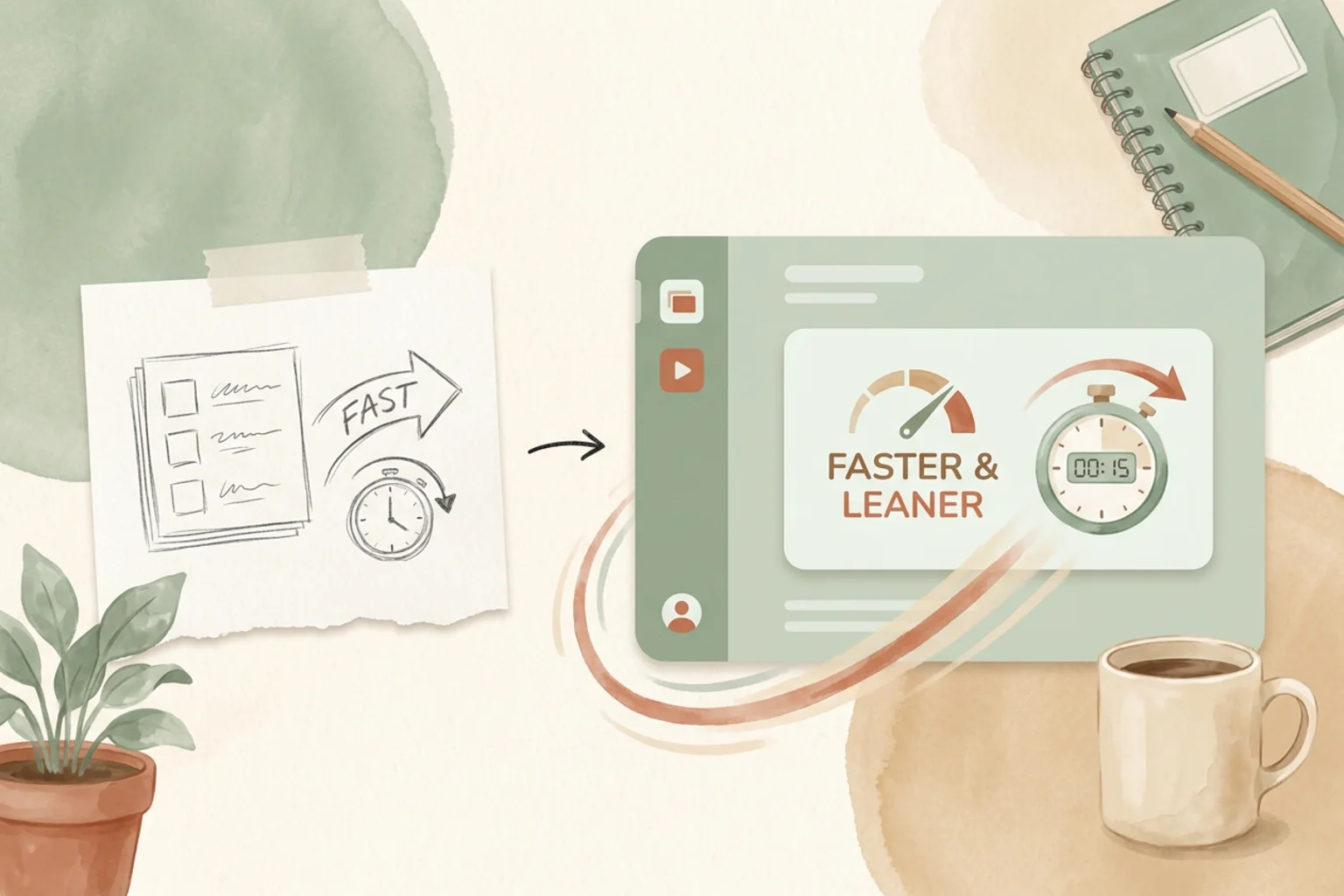
产品 Open Design 0.15.0:更省成本,更快交付
标签 open-design-v0.15.0 —— 四天内 34 位贡献者提交了 118 个 PR。代号「更省成本,更快交付(Cost Less. Ship Faster.)」。一个更精简的 Design System Prompt 在代表性运行中把首个 token 的等待时间缩短了 49.5%、端到端时长缩短了 21.2%、平均输入 token 减少了 25.1%。本次发布的其余部分让整条创作循环更顺滑:像工作区一样的演示文稿、从 URL 克隆网站、把对话变成动态效果,以及终于会告诉你下一步该怎么办的失败提示。
2026年7月14日 7 分钟阅读 阅读 → -
 工具与技能
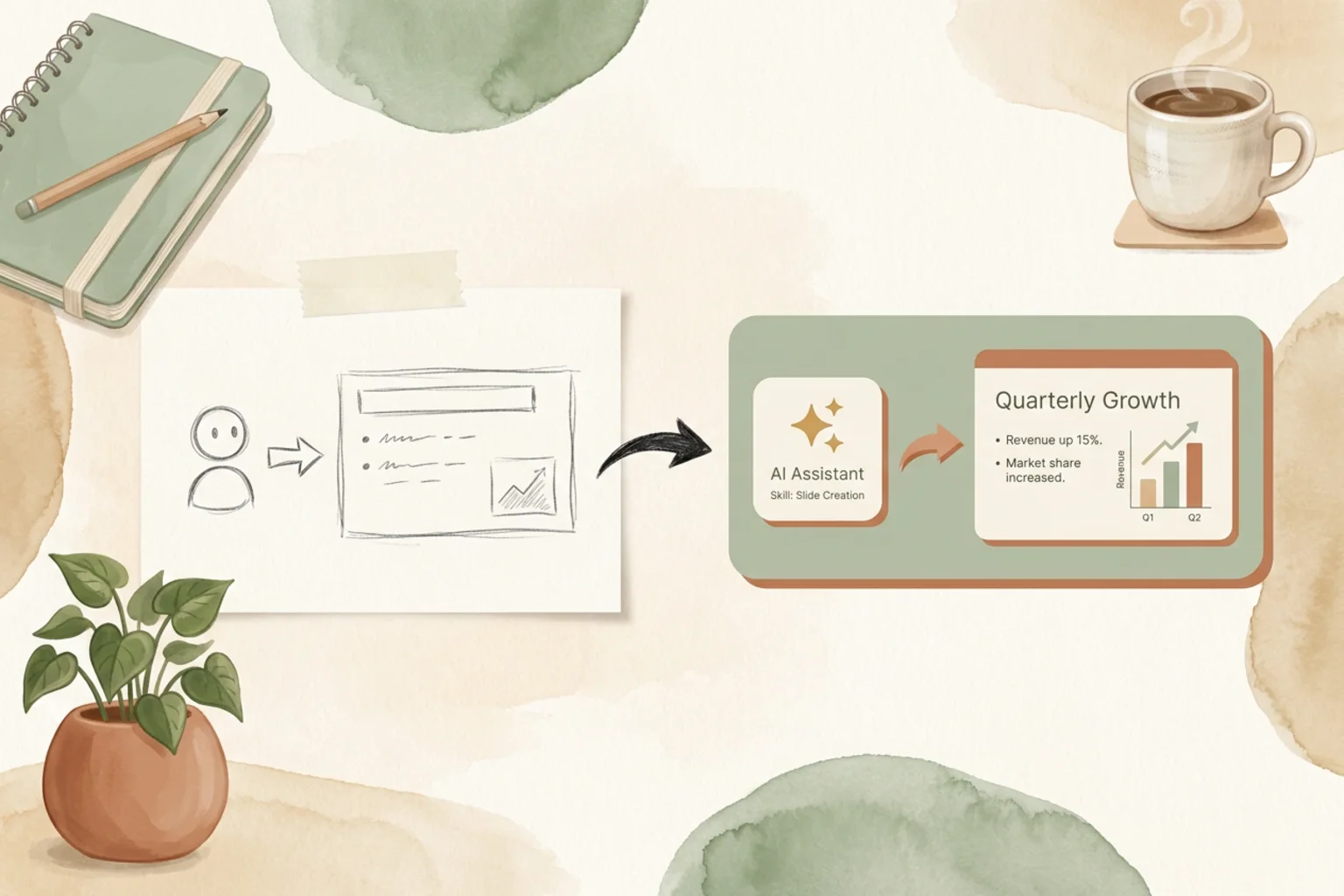
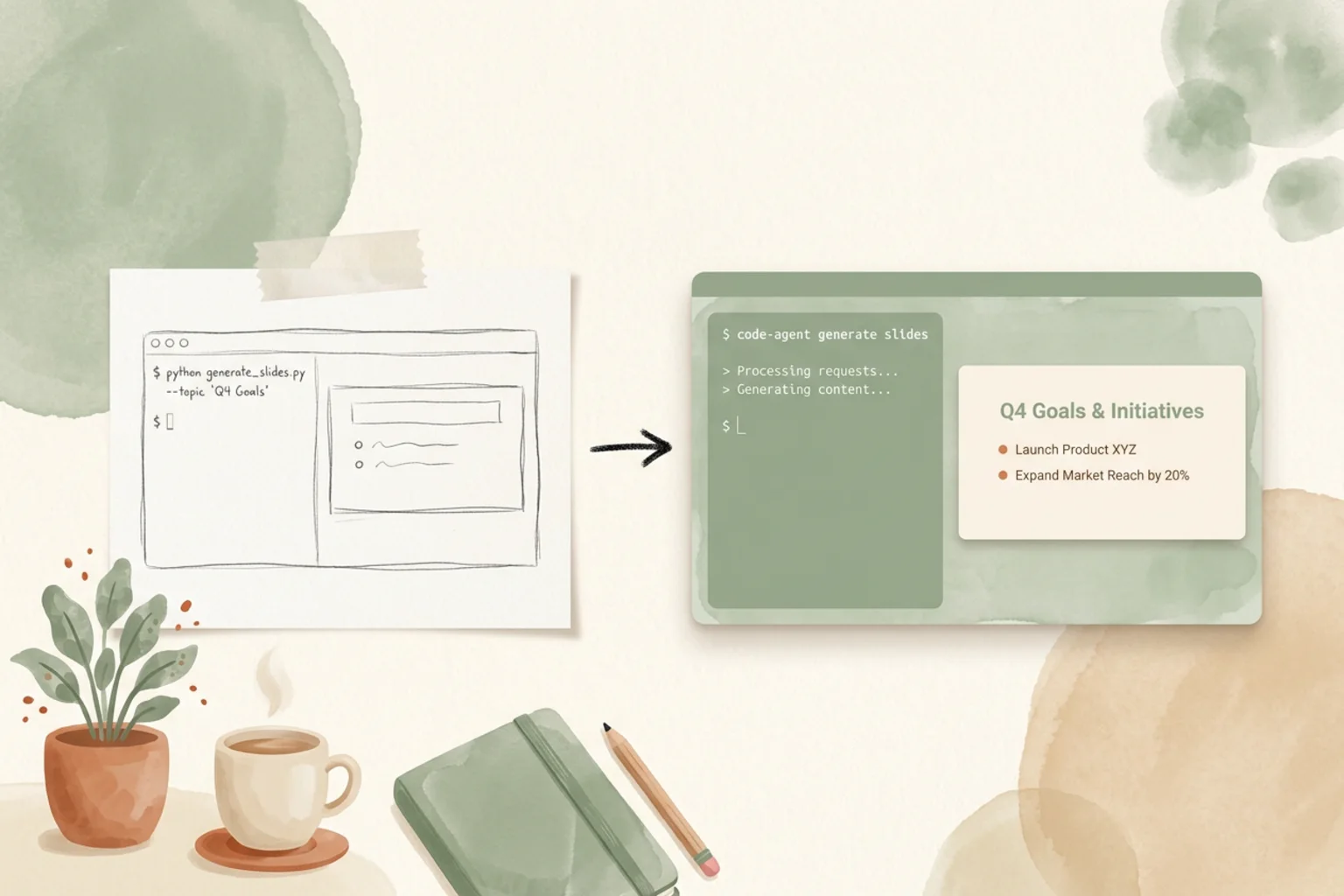
工具与技能 Claude PPT 技能:如何用你的编程 Agent 做幻灯片
现在你可以把做幻灯片这件事交给编程 Agent 了。这是一份关于 2026 年 Claude PPT 技能的诚实指南——它们到底是什么、有哪些值得安装的开源方案(frontend-slides、guizang、dashiAI 等)、一张评分表、如何真正上手,以及当一个技能走到尽头时,agent-native 的设计工作空间该如何接手。
2026年7月10日 9 分钟阅读 阅读 → -
 工具与技能
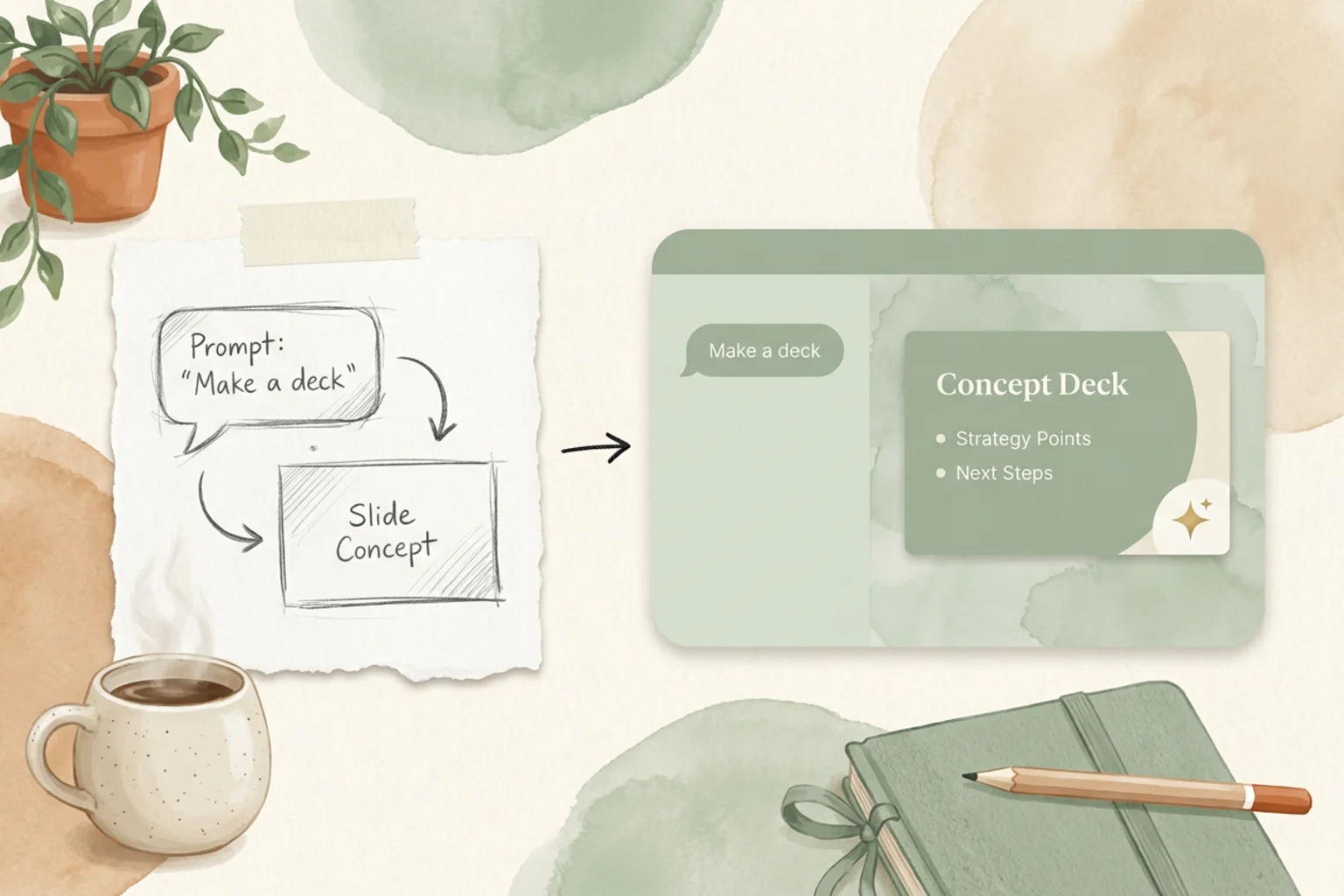
工具与技能 codex-ppt-skill:用编程 Agent 打造图像主导的 PPT
codex-ppt-skill 是一个开源 skill,它将你的编程 Agent 与 GPT-Image-2 结合,打造图像主导的 PowerPoint 演示——每一页都是一张精心设计的图像,而不是一串要点列表。本文讲清它是什么、什么时候「图像优先」的幻灯片才是正确选择、如何使用、坦诚剖析其取舍,以及 Agent-Native Design Workspace 从何处接手。
2026年7月10日 6 分钟阅读 阅读 → -
 工具与技能
工具与技能 dashiAI-ppt-skill:来自编程 Agent 的可编辑演示文稿
大多数编程 Agent 的 PPT skill 只会给你一份 HTML,想改就只能重新提示。dashiAI-ppt-skill 则能导出可在浏览器里编辑的幻灯片——这样非开发者也能自己调整成品。这是一份诚实的指南:它是什么、内置的十几套主题、如何安装和使用、AGPL-3.0 的隐藏门槛,以及当一次性 deck 需要融入更大的工作体系时,agent-native design workspace 如何接手。
2026年7月10日 6 分钟阅读 阅读 → - 工具与技能
frontend-slides:用编程 Agent 制作网页幻灯片
frontend-slides 是给编程 Agent 用的、star 数最高的开源 PPT skill——它把幻灯片做成简洁现代的网页,直接在浏览器里演示。本文讲清楚它是什么、如何安装与使用、它真正擅长什么(以及有哪些局限)、它和其他 Claude PPT skill 相比如何,以及当单个 skill 走到尽头时,一个 Agent-Native Design Workspace 会从哪里接手。
2026年7月10日 6 分钟阅读 阅读 → - 工具与技能
guizang-ppt-skill:用编码 Agent 打造杂志级 HTML 幻灯片
guizang-ppt-skill 是一个拥有 2.08 万星标的编码 Agent 技能,能把一句提示词变成真正经过设计的 HTML 幻灯片——电子杂志版式与瑞士网格排版,而非又一套模板。本文讲清它是什么、怎么用、值得知道的坦白提醒(AGPL-3.0 许可、HTML 产物),它与其他 Claude PPT 技能相比如何,以及一个 Agent-Native Design Workspace 在哪里接手。
2026年7月10日 6 分钟阅读 阅读 → - 工具与技能
Marp:Markdown 演示文稿工具(以及如何导出到 PowerPoint)
Marp 是开源的 Markdown 演示文稿生态——用 Markdown 编写幻灯片,再通过 Marp CLI 导出 HTML、PDF 或 PowerPoint。本指南涵盖 Marp 主题、Markdown 编写、用 marp-cli 导出为 pptx(以图片形式),它与 reveal.js 和 Slidev 的对比,以及 Agent-Native Design Workspace 的适用场景。
2026年7月10日 7 分钟阅读 阅读 → - 工具与技能
ppt-master:由 Agent 打造,把任意文档变成可编辑的 PowerPoint
ppt-master 是一个斩获 3.8 万星标的开源项目,能把任意文档转成真正可编辑的 PowerPoint——原生形状与动画,而非把幻灯片做成图片。本文讲清它是什么、agent 工作流如何运转,客观分析它在 Claude PPT 技能中的定位,以及当一份一次性演示文稿不够用时,一个 agent-native 设计工作空间从哪里接手。
2026年7月10日 6 分钟阅读 阅读 → - 工具与技能
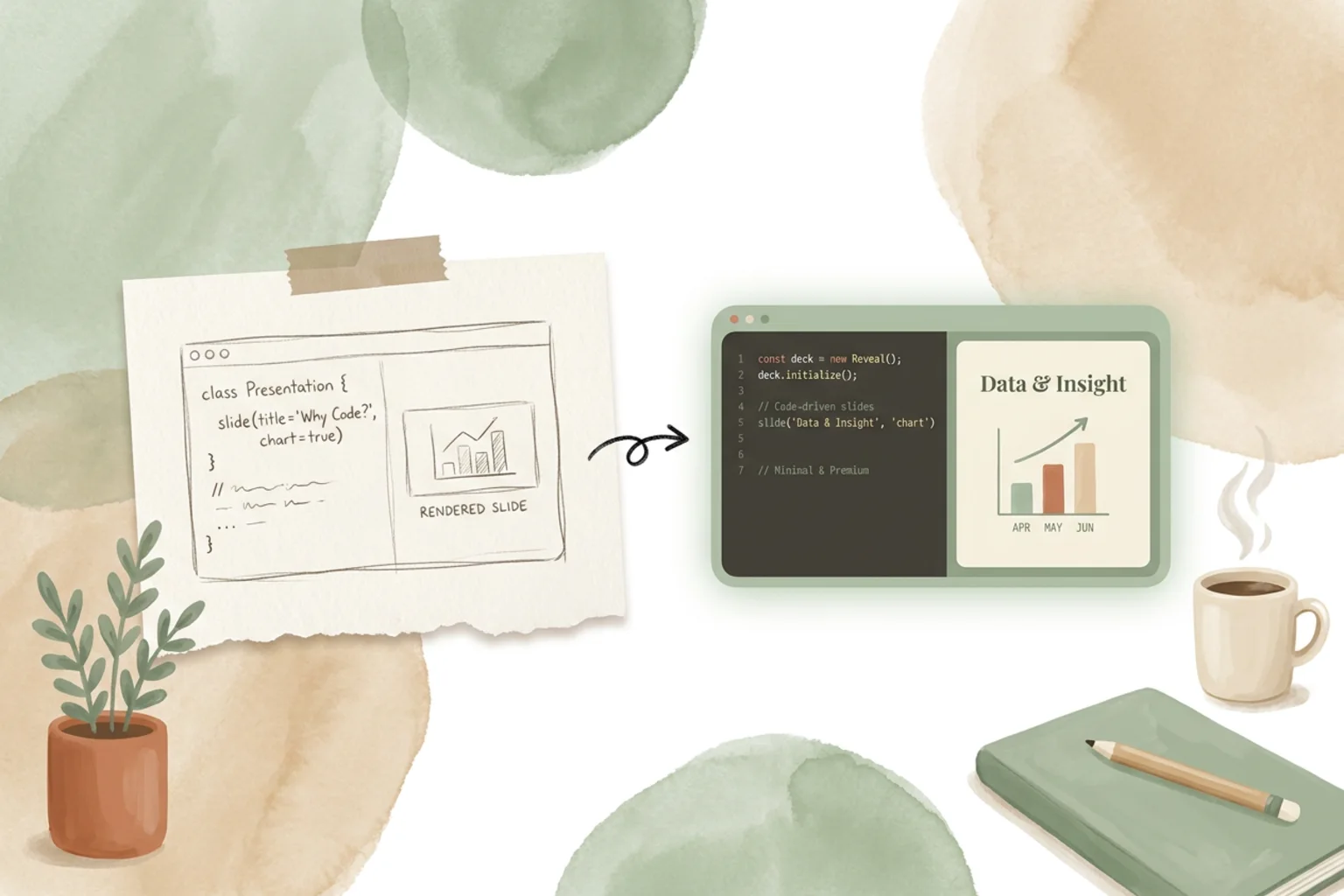
reveal.js:主题、导出,以及它与替代方案的对比
reveal.js 是一款开源的 HTML 演示框架,在 GitHub 上斩获 71.9k 星标——你用 HTML 或 Markdown 编写幻灯片,在任意浏览器中演示。这是一份实话实说的指南:主题、模板和示例如何运作,导出 PDF 和 PowerPoint 的真实表现,它与 Slidev 和 Marp 相比如何,以及一个 agent-native 的设计工作空间在何处发挥作用。
2026年7月10日 7 分钟阅读 阅读 → - 工具与技能
Slidev:主题、示例与导出 PowerPoint 的方法
Slidev 是一款开源、面向开发者的演示工具,在 GitHub 上拥有 47.6k 颗星——你用 Markdown 撰写幻灯片、嵌入 Vue 组件,并直接在浏览器中演示。这是一份实话实说的指南:主题和示例是怎么运作的,PDF 与 PowerPoint 导出的真实表现,它与 Marp、reveal.js 相比如何,以及 Agent-Native Design Workspace 在其中的位置。
2026年7月10日 7 分钟阅读 阅读 → - 产品
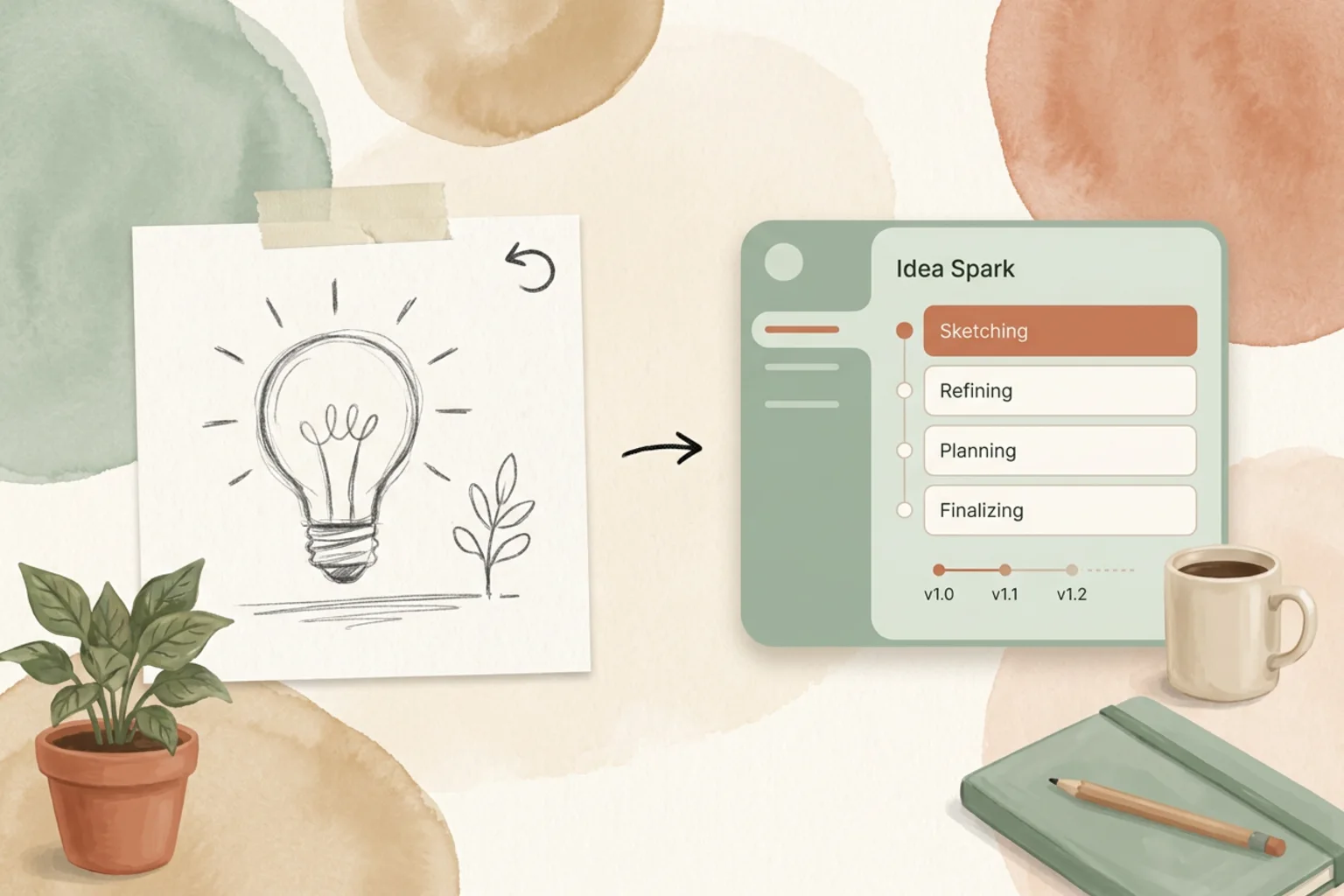
Open Design 0.14.0:灵感时光机
标签 open-design-v0.14.0 —— 五天内 36 位贡献者提交了 125 个 PR。代号「灵感时光机」。太多好点子依然消失在心流之中:一张有潜力的草图、一个有用的来源、一个更好的早期版本,或者一份草稿开始走偏的那个确切瞬间。0.14.0 让更多工作留存下来——先在 plan mode 里画草图、追溯喂给 composer 的输入、在 HTML 版本历史里回退,并找回那条线索,而不是弄丢那点火花。
2026年7月8日 7 分钟阅读 阅读 → - Product
Open Design 0.13.0:保持心流
标签 open-design-v0.13.0 —— 六天内 26 位贡献者提交了 116 个 PR。代号「保持心流」。长时间的设计会话曾经会在每一次中断时被打断:一次运行会跑丢进度、模型选择器让你只能瞎猜、Cloud 余额检查藏在一次重试背后、做完的演示文稿还要多绕一步才能导出。0.13.0 把这些都变成了一个更从容的循环——恢复工作、看清正在发生什么、更快地选对模型,并且不必离开 Open Design 就能交出真实的文件。
2026年7月2日 7 分钟阅读 阅读 → - 社区
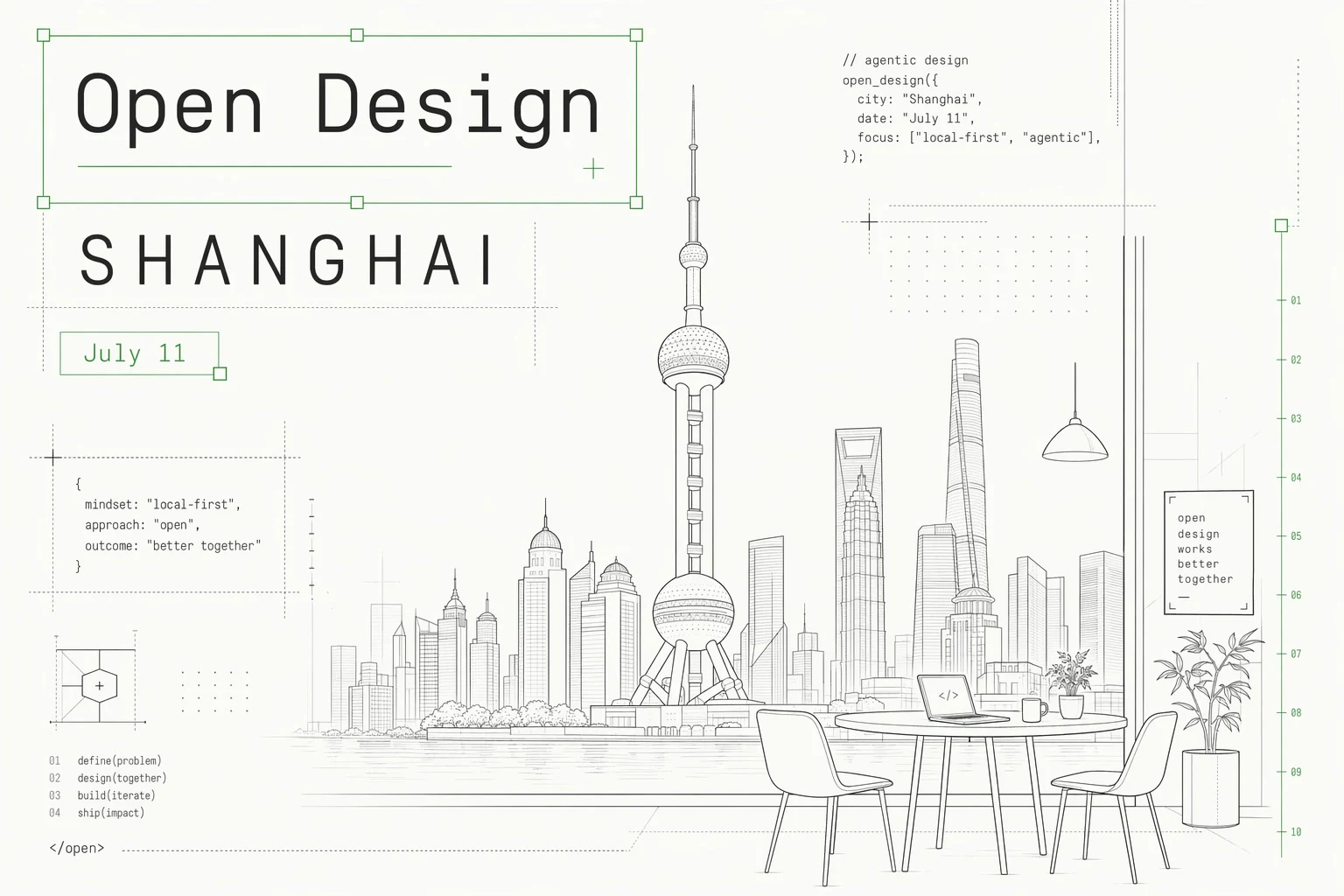
Open Design AI Workshop 来到上海
一场面向学生、开发者、设计师和 AI 工具爱好者的上海线下实战工作坊,现场把 prompt 和 reference 变成真正可展示的 AI 作品。
2026年7月2日 3 分钟阅读 阅读 → - 指南
2026 年最佳 AI 设计 Agent:一份诚实、实测过的指南
在 2026 年,“AI 设计 agent”其实指代三种完全不同的东西——创意云端套件、任务机器人,或是把你的设计一路落地成可上线代码的 agent。大多数榜单把它们混为一谈。这里给你一份诚实的地图:哪些才是最好的 AI 设计 agent、每一类到底是用来干嘛的,以及一个能帮你判断自己需要哪一种的关键问题。
2026年6月30日 8 分钟阅读 阅读 → - 指南
2026 年最好用的 AI 原型工具:一份实测过的诚实指南
2026 年这些 AI 原型工具的真正分水岭,恰恰是清单文章避而不谈的那一点:原型是用完即弃,还是会变成你最终上线的产品?这里有一份诚实的地图——mockup 原型、代码原型、规划工具、agent 原生流水线——以及如何挑出最契合你下一步要做的事的那一个。
2026年6月30日 9 分钟阅读 阅读 → - 指南
2026 年最好用的 AI 设计工具:一份诚实、亲测过的指南
大多数「2026 最好用的 AI 设计工具」榜单只看谁的演示更漂亮,却跳过了真正决定你选择的那个问题:这份设计最终能不能变成你自己拥有、可以上线的代码?这里给你一张诚实的地图——一份覆盖六大类别的评分表、值得你花时间的 UI/UX、产品和网页设计工具,以及其他所有榜单都会遗忘的那个类别。
2026年6月30日 10 分钟阅读 阅读 → - 指南
最佳 Bolt.new 替代方案(2026):按你离开它的真正原因来选
大多数替代方案清单只是一堆带评分的 logo。这份不一样——按你真正想离开 Bolt 的原因分组,把每个替代方案悄悄塞给你的取舍说清楚。
2026年6月30日 9 分钟阅读 阅读 → - 指南
设计转代码工具:哪个适合你?
设计转代码不是一个品类,而是四种完全不同的思路。真正帮你省事的关键,是看清你买的到底是一次性导出,还是一条能反复跑的流水线。
2026年6月30日 9 分钟阅读 阅读 → - 指南
2026 年最佳 Figma 替代品:按你想离开的理由来选
没有任何一款工具能彻底取代 Figma。真正该问的不是「什么能替代 Figma」,而是「你到底想离开 Figma 的哪一部分」——这份地图按离开的理由分类,帮你对号入座。
2026年6月30日 9 分钟阅读 阅读 → - 指南
如何用 Claude Code 做前端设计(2026 指南)
Claude Code 能做出真正出色的前端设计——但前提是配置和提示词都到位。这份实操指南告诉你怎么做:安装 frontend-design 插件、用审美方向而非像素值来提示、逐个引导设计维度,并把一次性的单页效果升级成一套你能真正拥有的设计系统。
2026年6月30日 9 分钟阅读 阅读 → - 指南
最佳 Lovable 替代品(2026 年):按你离开的真正原因来选
大多数「Lovable 替代品」清单都在卖 logo。这份不是排名,而是一张地图——按你离开 Lovable 的真正原因分组,并讲清每个替代品在换来好处的同时让你付出什么代价。
2026年6月30日 9 分钟阅读 阅读 → - 指南
v0 替代方案:按你离开的真正原因来选
v0 擅长把一句提示词变成干净的 React 组件,但很多人会撞上定价、范围或归属权的墙。这份指南按你离开 v0 的不同原因,理清各个替代方案各自的取舍。
2026年6月30日 8 分钟阅读 阅读 → - 社区
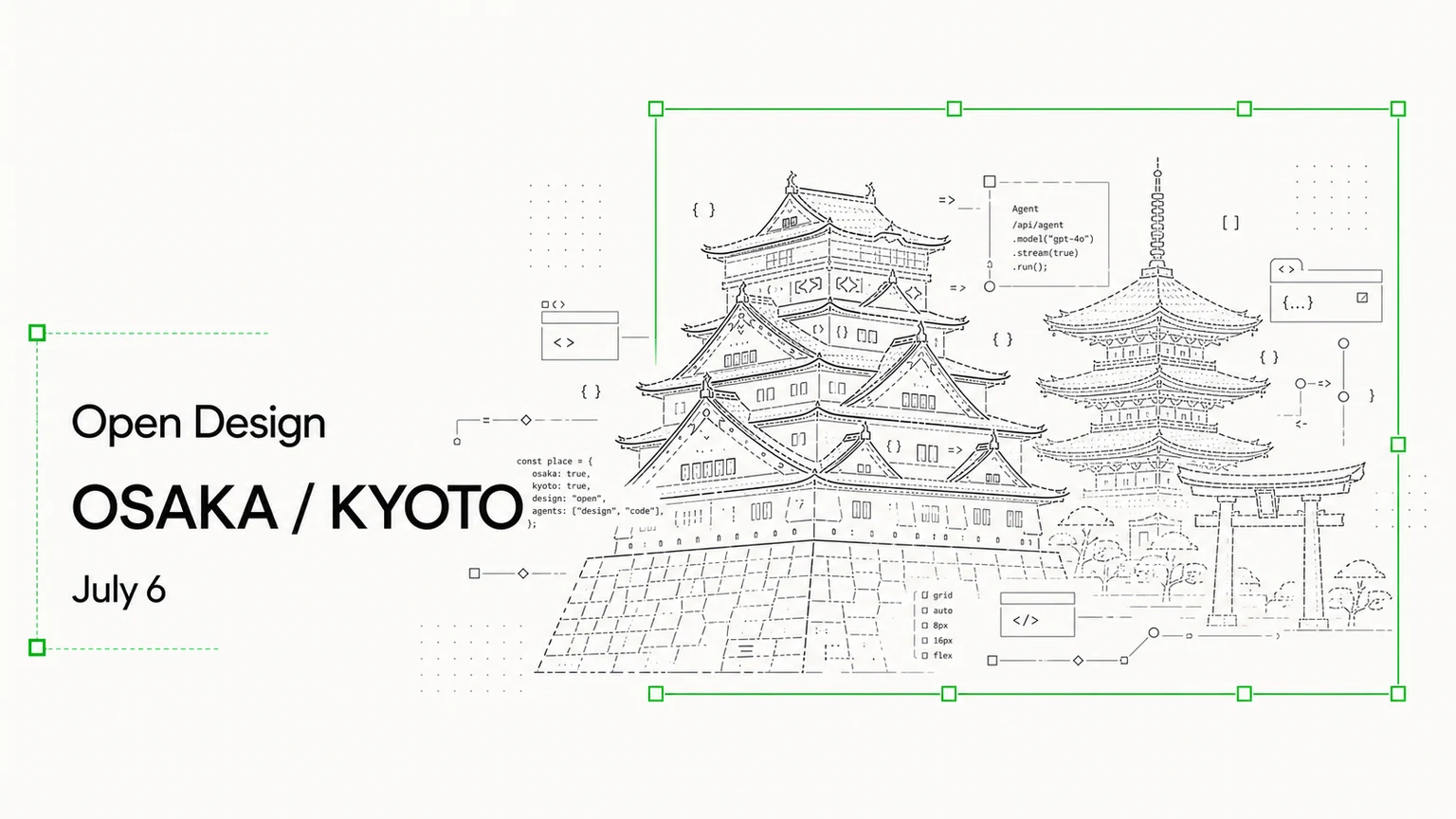
Open Design 来到大阪 / 京都
一场面向设计师、builder 和 AI-native 团队的小型 meetup,一起探讨 agent 如何改变设计、原型和产品工作。
2026年6月29日 3 分钟阅读 阅读 → - Product
Open Design 0.12.0:你的品牌就是一套设计系统
标签 open-design-v0.12.0 —— 六天内 30 位贡献者提交了 103 个 PR。代号「品牌支撑的设计系统」。把 Open Design 对准一个在线站点、丢进一个 Figma 文件,或者在浏览器里剪取一个页面,它就会把真实的品牌 —— 配色、字体、语调 —— 提炼成一套可复用的设计系统,让你在之后的每个项目里都能以它为基础进行构建。
2026年6月26日 7 分钟阅读 阅读 → - 指南
Vibe Design 工具:一份关于谁真正能用的诚实指南
搜索“vibe design tools”,一半的结果其实是 vibe coding 工具——而这恰恰是这些搜索结果能告诉你的最有用的事。这里是那张诚实的地图:那个该替你拿主意的唯一问题、一张横跨五个工具品类的评分表,以及几乎每篇清单文都在卖给你的那个陷阱。
2026年6月18日 9 分钟阅读 阅读 → - 指南
vibe design 与 vibe coding:分岔点在哪,为什么重要
vibe design 和 vibe coding 并非对手——它们是同一套动作的两半,而团队真正失血的地方,恰恰是两者之间的缝隙。本文讲清它们真正的区别、两个没人提醒你的失败模式(原型悬崖与设计漂移),以及该在什么时候伸手去抓哪一个的判断框架。
2026年6月18日 9 分钟阅读 阅读 → - 指南
用 Google Stitch 做 vibe design:它做对了什么,又会在哪里把你套牢
是 Google 用 Stitch 造出了 "vibe design" 这个词——而 Stitch 是真的好。这是一篇诚实的上手实测:它做得漂亮的地方、那些演示里不会给你看的锁定,以及什么时候掌握闭环胜过图省事。
2026年6月18日 8 分钟阅读 阅读 → - Product
Open Design 0.11.0:集市
标签 open-design-v0.11.0 —— 四天内 57 位贡献者提交了 137 个 PR。代号「集市」。插件画廊现在会为每一个真实产出播放一段实时片段,你已经在用的任何 coding agent 都能即插即用,而新人的第一次运行是一段有引导的欢迎之旅,而不再是一道上锁的关卡。
2026年6月17日 7 分钟阅读 阅读 → - 指南
什么是 vibe design(氛围设计)?2026 年「凭意图设计」完全指南
描述一个界面的感觉和方向,让 AI 把它生成出来——但大多数工具止步于一张漂亮的样稿。本文讲清 vibe design 到底是什么、vibe design 与 vibe coding 的区别,以及如何把它从提示词一路推进到可上线的代码。
2026年6月17日 9 分钟阅读 阅读 → - Product
Open Design 0.10.0:一体化设计工作空间
标签 open-design-v0.10.0 —— 九天内 68 位贡献者提交了 405 个 PR。代号「一体化 Agentic 设计工作空间」。本次发布把从构思、精修到交付的整条流程收进同一个窗口,工作不再散落在十几个标签页之间。
2026年6月11日 7 分钟阅读 阅读 → - Product
Open Design 0.9.0:设计,给每一个人
Open Design 0.9.0 是「装完即创作」的版本。不用再到处找 API key,不用装三个 CLI——打开应用、登录一次、选一个模型,就能开始做东西。再加上更大的 agent 阵容、一个真正的插件库,以及在 Windows 和 Linux 上更顺的安装。
2026年6月2日 6 分钟阅读 阅读 → - Guides
Figma 的开源替代方案
Figma 很优秀,也不会消失。但文件格式是专有的、席位是订阅制的、画布跑在别人的云上。这是一份诚实的判断:什么时候 Figma 仍是答案——以及什么时候,拥有一套 agent 原生、本地优先的工作流会赢。
2026年5月26日 7 分钟阅读 阅读 → - Product
Open Design 0.8.0:一切皆插件
Open Design 0.8.0 不是一次发布,而是一次重建。一个小小的插件引擎、一个默认无头的 CLI、macOS 与 Windows 上的打包自动更新,以及七天内交付的 149 套设计系统。
2026年5月22日 7 分钟阅读 阅读 → - 文章
画布曾经藏起来的那一层版式
0.8.0 preview 下的一条社区回复,点出了 agent 原生设计背后真正的问题:如果画布不再是工作单位,用户又该如何理解版式?
2026年5月18日 7 分钟阅读 阅读 → - 文章
如何把一套 Figma 工作流移植成一个 Open Design 插件
0.8.0-preview 讨论邀请贡献者把旧的设计工作流一次一个插件地移植过来。这里给出针对 Figma 导出、token 同步或品牌套件的具体路径。
2026年5月18日 8 分钟阅读 阅读 → - 文章
BYOK 现实检验:Open Design 当下会出问题的 5 件事
我们承诺把 BYOK 作为一等公民。本周来自社区的五个开放 bug 讨论——Gemini、DeepSeek、OpenCode、Windows——揭示了接缝仍然粗糙的地方,以及在每个修复落地前该用什么替代方案。
2026年5月14日 9 分钟阅读 阅读 → - 文章
31 个 skill、72 个 system:Open Design 库是怎么运作的
带你走一遍让 Open Design 可组合的四个原语:skill、system、adapter 和 daemon。并用具体例子说明一个 Markdown 文件如何变成一份像素级精确的交付物。
2026年5月13日 8 分钟阅读 阅读 → - 文章
BYOK 设计工作流:用你自己的密钥运行 Claude、Codex 或 Qwen
大多数 AI 设计工具都会在你花掉的每一个 token 上悄悄加一道差价。Open Design 的立场恰恰相反——自带模型密钥,直接向服务商付费,并完全掌控推理在哪里运行。下面讲讲 BYOK 这一层到底是怎么工作的。
2026年5月13日 8 分钟阅读 阅读 → - 产品
我们为什么把 Open Design 做成 skill 层,而不是一款产品
大多数 AI 设计工具都想取代你笔记本上已有的那个 agent。Open Design 押了相反的一注:交付一层薄薄的 skills、systems 和适配器,把任何 coding agent 变成一台设计引擎——而不会把你锁进一款新 app。
2026年5月13日 8 分钟阅读 阅读 →
这个分类还没有文章。